
What carries your brand, and what does not.
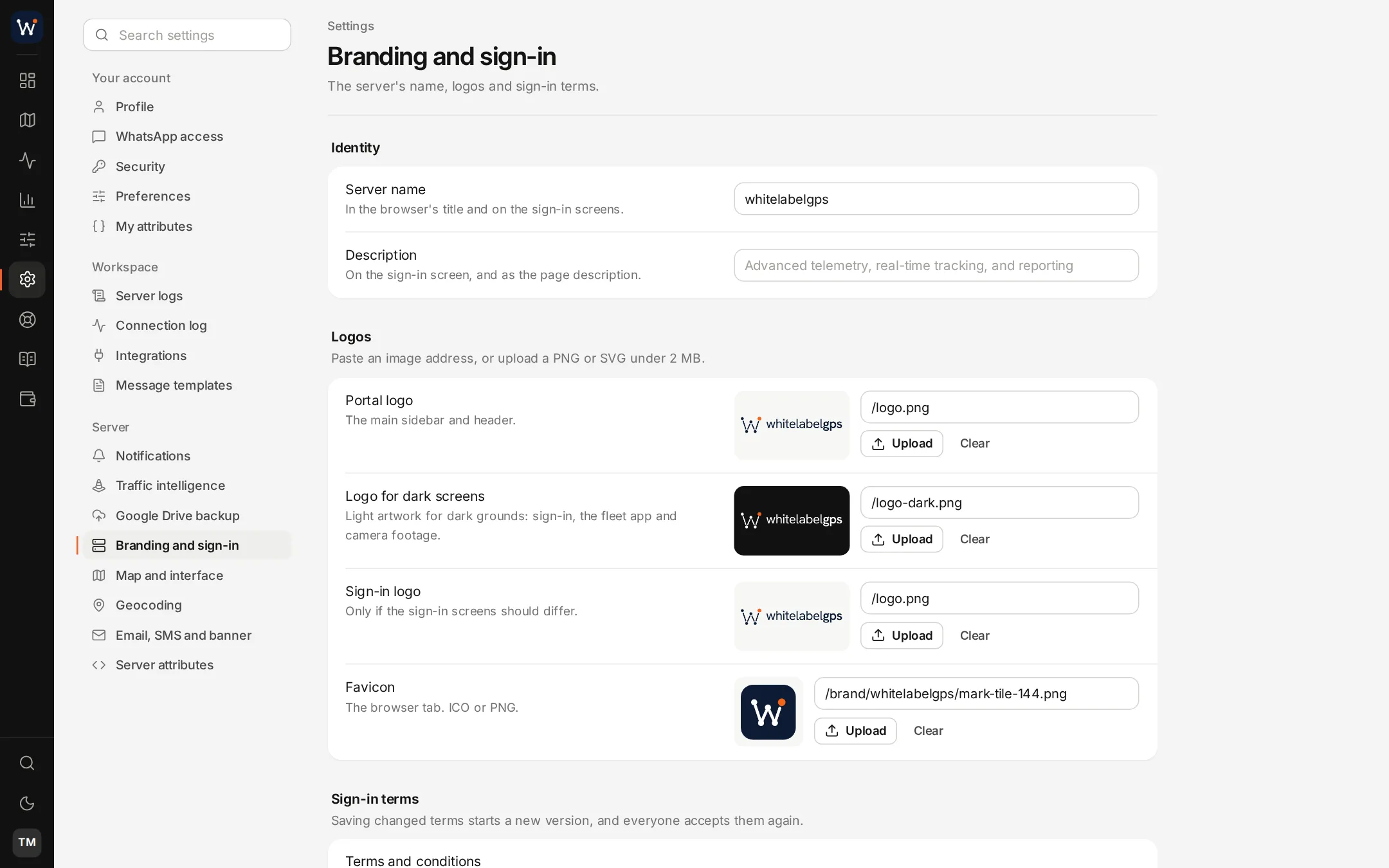
Where your name appears.
| Place | What shows | Set by |
|---|---|---|
| Web address | Your portal on a domain you control, with its own SSL certificate | A DNS record you add; the certificate by us |
| Sign-in page | Your sign-in logo, server name and the terms shown at sign-in | Settings, Branding and sign-in |
| Portal | Your logo, a second version for dark screens, and your favicon | Settings, Branding and sign-in |
| Colours | Your brand colours in the portal | Us, when the server is built |
| Fleet app | Your app name on the home screen and an icon cut from your square logo | Us, at setup |
| Notifications, reports and invoices under your server's name, from the sender address you choose | Email settings | |
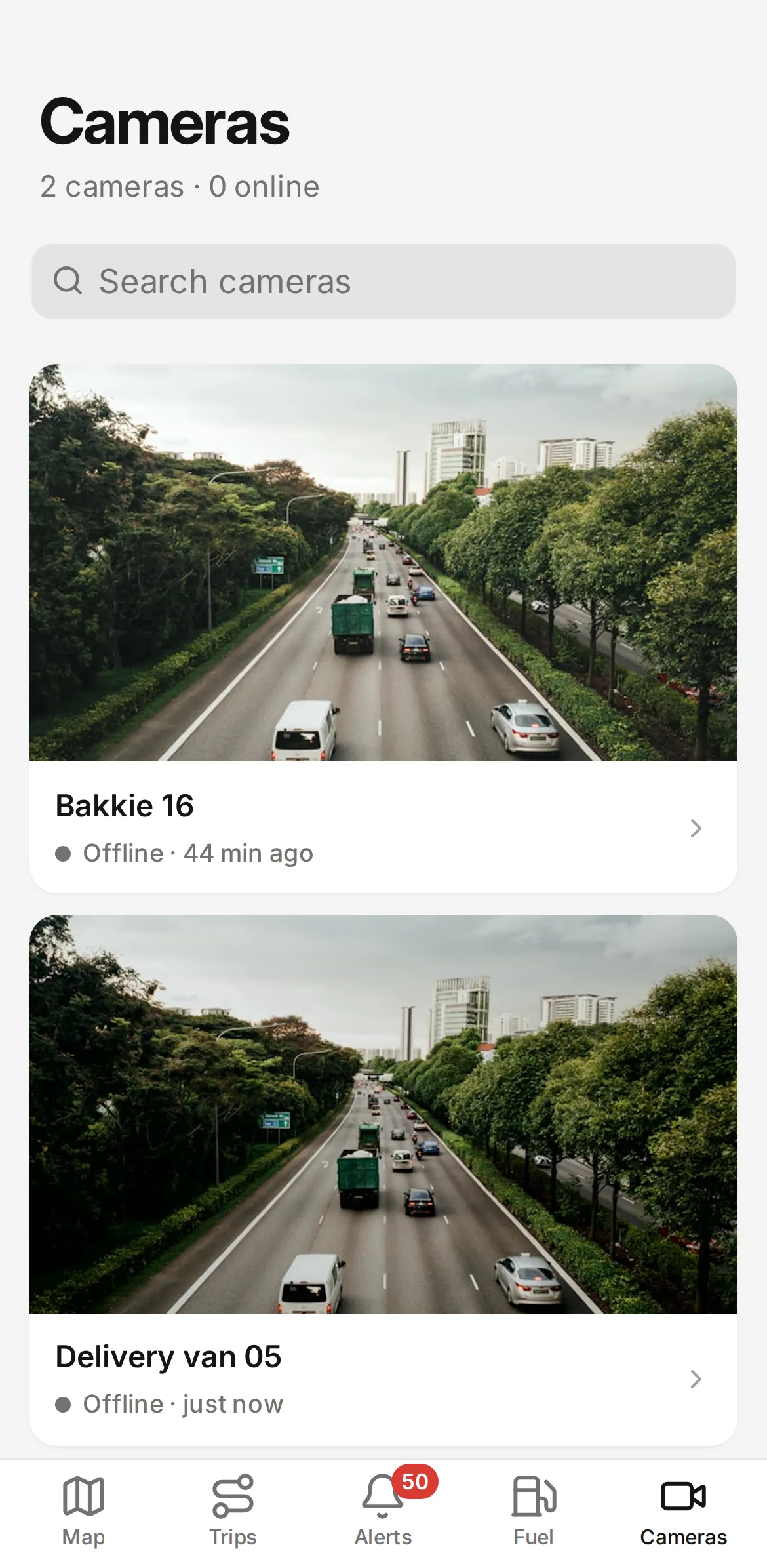
| Dashcam footage | Your logo burned into the corner of photos and clips | Taken from your branding settings |
| Customer pages | Delivery tracking pages, sharing links and invoice pay links on your address | Automatic |
| The menus and replies you write | WhatsApp builder |
The app's name and icon.
The Fleet app takes its name from your setup: your server name followed by "Fleet", unless you ask for another. The icon is cut from your square logo at 192 and 512 pixels, plus a maskable version that Android can crop to the shape it uses. Because the app installs from the browser, there is no store listing to keep up to date.
What stays generic.
These parts carry no brand at all, ours included, or a third party's name that cannot be swapped.
- Endpoint paths under /api, and webhook headers with the user agent Webhooks/1.0
- The map provider's attribution in the corner of the map
- Device makers' model names in the device list
- Our name on our contract and invoices to you, which your clients do not see
What we need from you
A wide logo for light screens, one for dark screens and a square mark for the app icon and favicon, your colours, your trading name and the address you would like the portal on. In return you get the DNS record to create.
Changing it later
Logos, favicon, server name and the sign-in terms can be changed in the portal's branding settings at any time. For new colours or a new app name, send us the details and we update the server.
Branding questions
Can the Fleet app be listed in the App Store or Google Play?
Not as part of a plan. The Fleet app is a web app that installs from the browser, so it needs no store listing, store review or developer account.
Which domain do I need?
One domain you control. The portal gets an address on it, such as track.example.com, pointed at your server with a DNS record we send you.
Does the whitelabelgps name show up anywhere my clients look?
No. Sign-in, menus, emails, the app and video carry your name, and outgoing webhooks use neutral header names. Our name appears on our contract and invoices to you, which your clients never see.
Related technical pages
Put it on your own server and try it.
Order online and your server is normally live the next day, with your domain and logo in place and the tracker ports open.